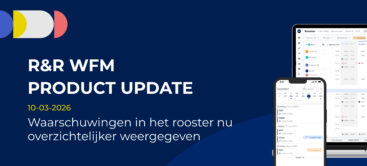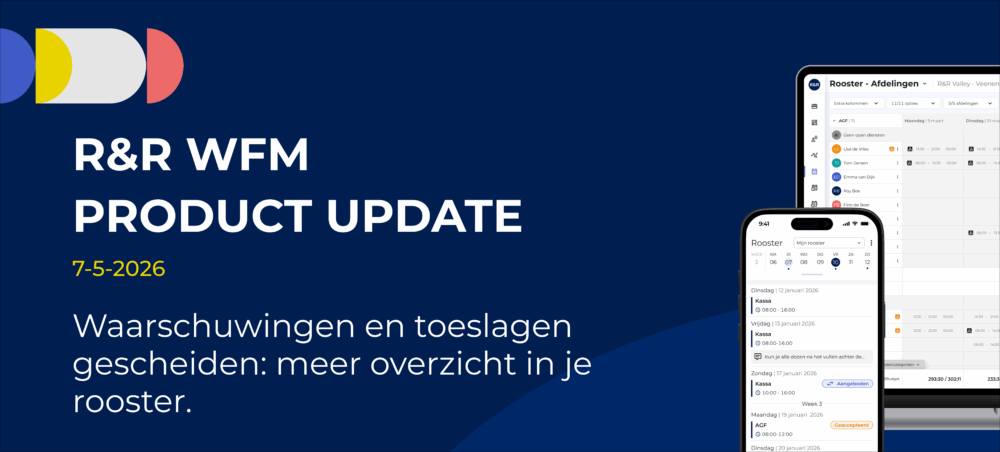
Warnings and surcharges separated: a clearer overview of your schedule
To make planning easier to follow, the display of alerts and surcharges has been improved. Previously, all notifications were mixed together, making it difficult to see which ones actually required action.
What has been improved?
Warnings are intended to prompt action.
In the previous system, warnings and surcharges were mixed together.
This resulted in:
This has now been corrected.
New situation
*if you are authorized to do so; otherwise, you will only see the hours
How does it work?
Click on the gray"Surcharges & Overtime" icon.

A split screen appears:
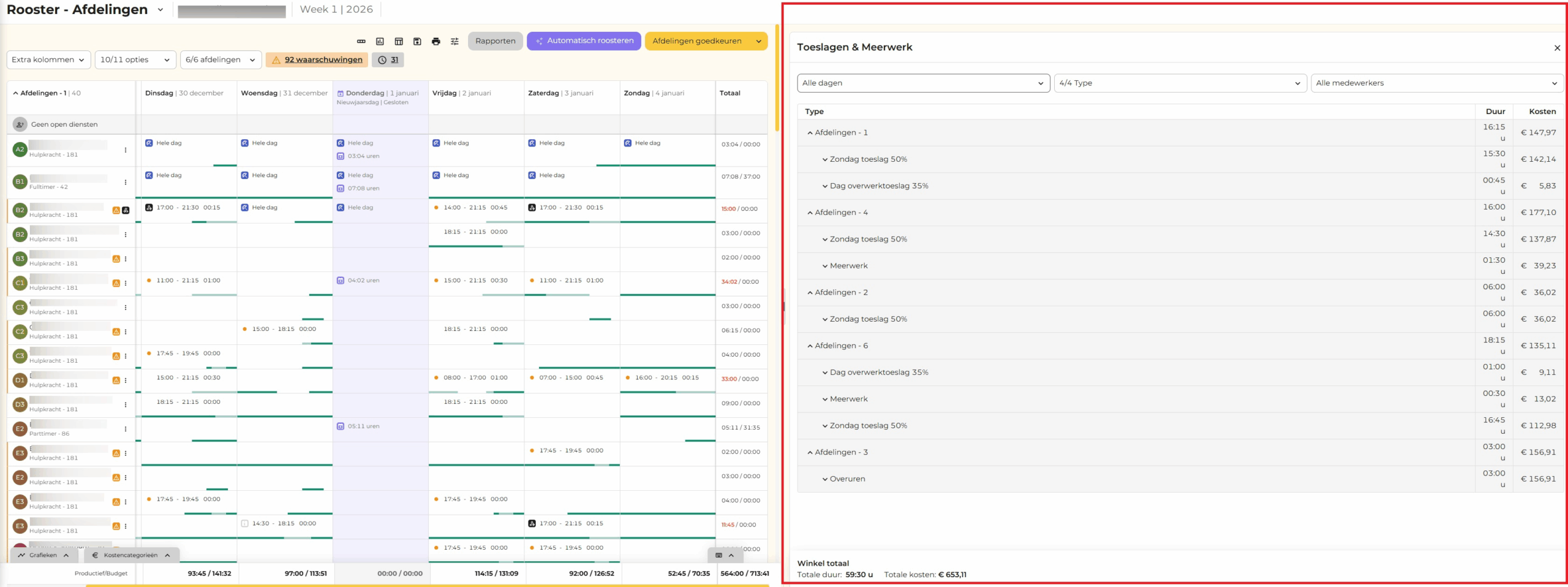
Get to the right place quickly
If you click on an employee’s row in the right-hand pane, you’ll automatically be taken to the correct spot in the schedule on the left. This means you no longer have to search for it. You can also resize the“Allowances & Overtime” paneto your liking by dragging the divider.
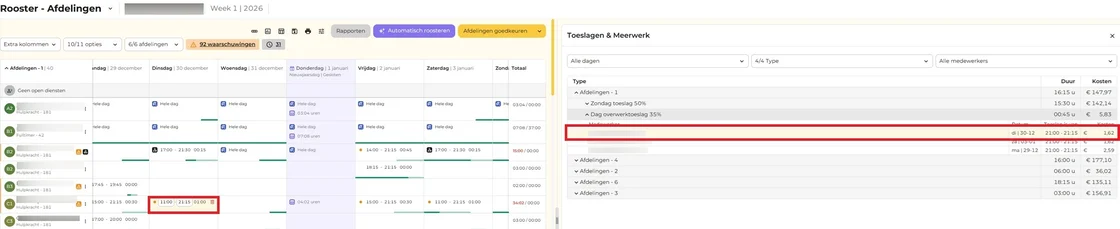
Adjust the surcharge (if possible)
You can make changes to the schedule right away, for example:
If the surcharge expires, it will automatically be removed from the list.
Apply filter
You can filter by:
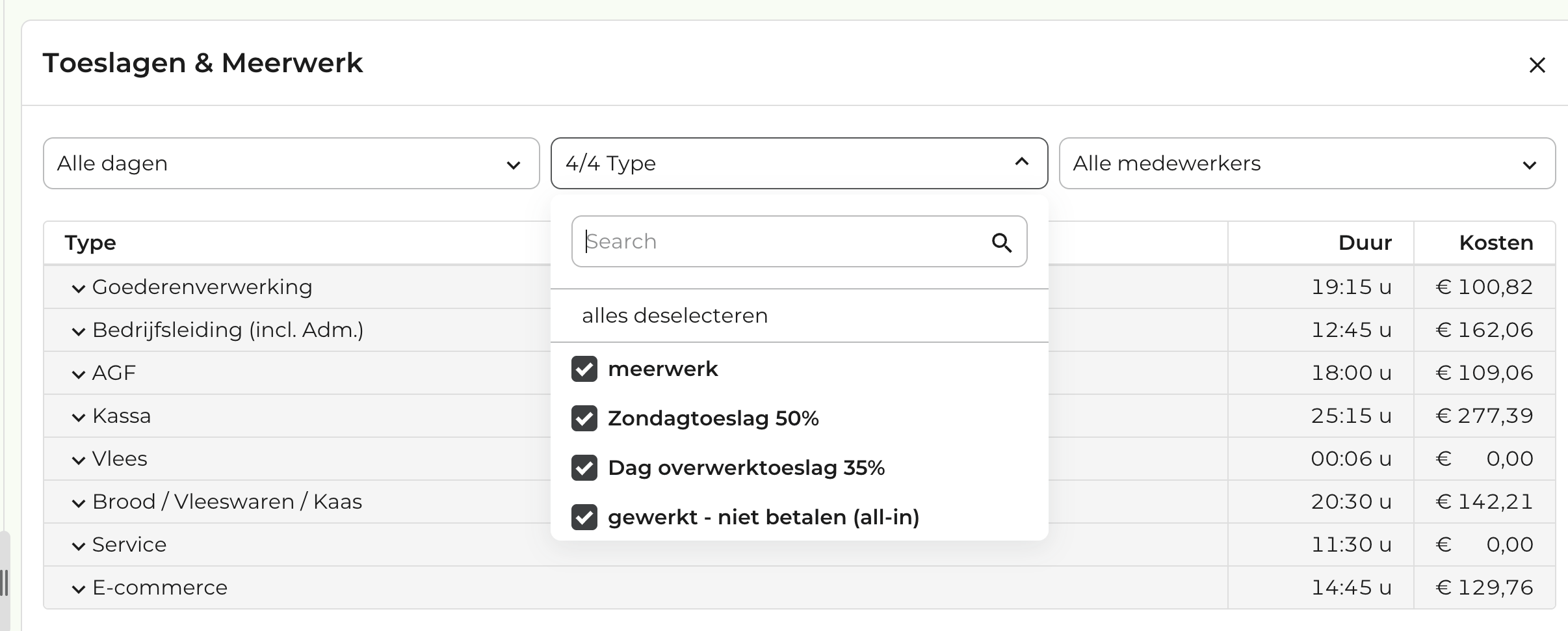
Important to know
In short
Do you have any questions about this update? Feel free to send us a message at support@rr-wfm.com. We’ll make sure your question gets to the right person.